
Students Centric
Placements Report
Trackable results, real numbers
Reviews
Proven success, real voices
Trainers
Expert-led, Industry-Driven Training
Life at IIDE
Vibrant Spirit student life
Alumni
Successful Journeys, Inspiring Stories
Learning Centre
Webinars
Blogs
Case studies
Live, Interactive Masterclasses
Fresh Insights, quick reads
Real-life, Industry relevant
More
Hire from us
Hire Top Digital Marketing Talent
Work with us
Join Our Team, Make an Impact
Customised Training
Personalised digital marketing training for your company
Refer & earn
Simple, easy rewards
Contact us
Get the answers you need
About us
Know more about IIDE
Explore all course options

FOR FRESH GRADUATES
Post Graduation Program in Digital Marketing & Business Strategy- Ideal for Age: 20–25 Years

Can’t decide? Explore all our
Digital Marketing Courses
COMPARE BOTH OUR PROGRAMSOffline
Offline AI Courses with Dual CertificationsIndustry-Aligned TRACKMost Popular
UG Program in Digital Business & Entrepreneurship- Ideal for 12th Pass out / FY Degree Student

PARTNER PROGRAMS




Can’t decide? Explore all
BBA In Digital Marketing Colleges
Orginally Written by Kartik Mittal
Updated on Sep 25, 2025
Share on:



Is Digital Marketing the Right Career for You?
Find out in a free 45-min masterclass · Career paths, roles and growth explained · By Karan Shah, Founder & CEO, IIDE
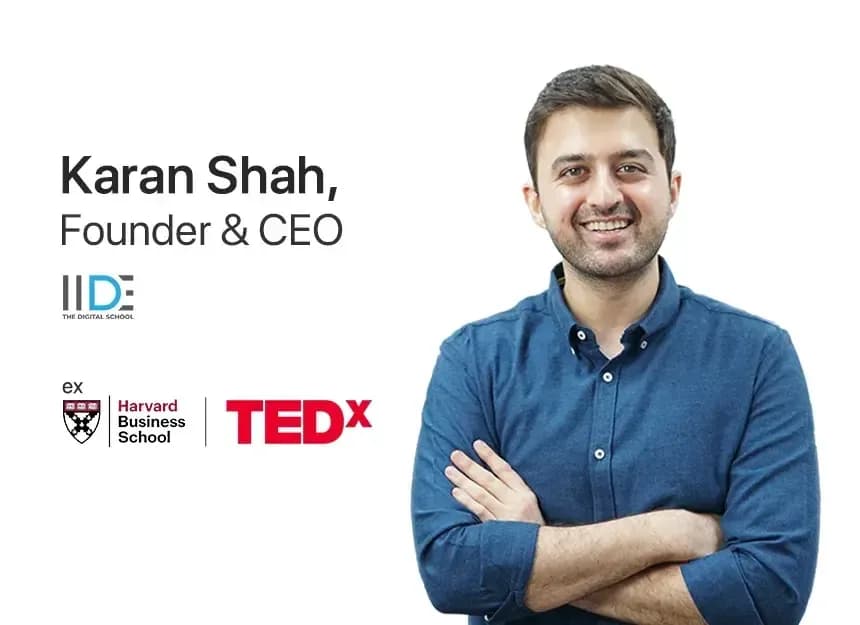

Is Digital Marketing the Right Career for You?
Find out in a free 45-min masterclass · Career paths, roles and growth explained · By Karan Shah, Founder & CEO, IIDE
Want to Know Why 2,50,000+ Students Trust Us?
Dive into the numbers that make us the #1 choice for career success


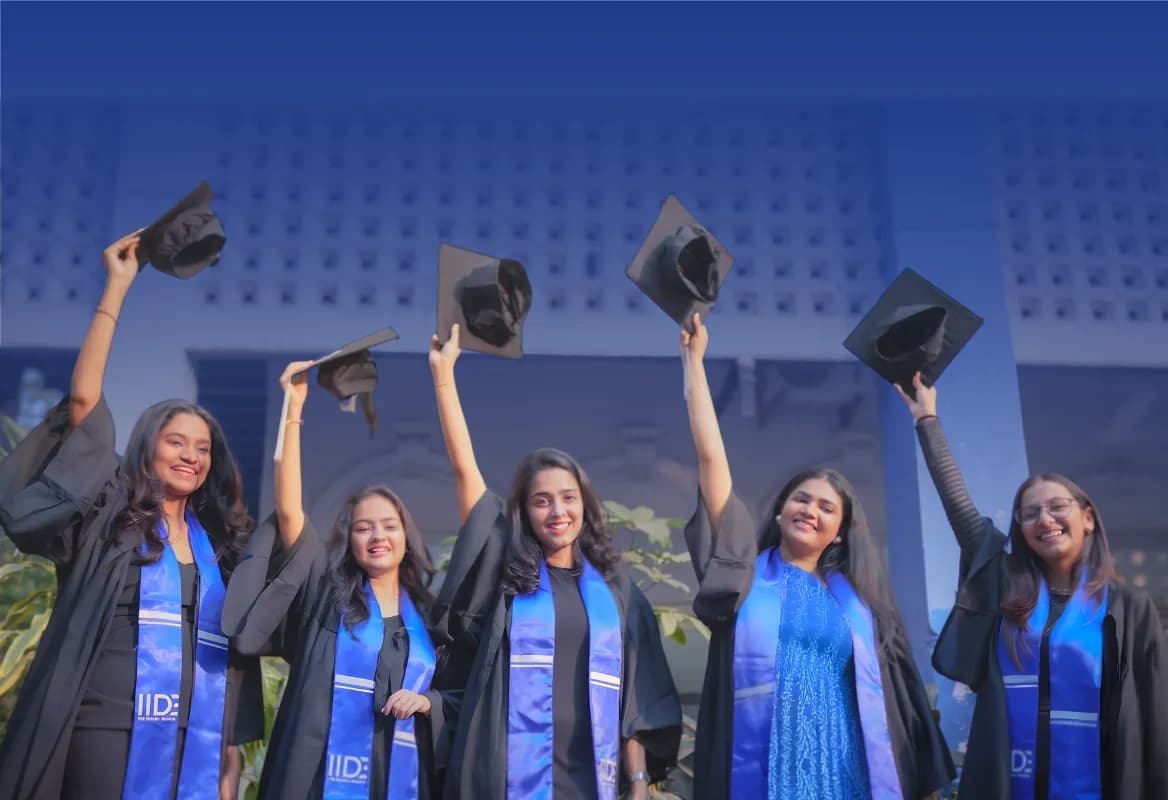
MBA - Level
Post Graduate in Digital Marketing & Business Strategy

Best For
Fresh Graduates

Mode of Learning
On Campus (Mumbai & Delhi)

Starts from
Nov 27, 2026

Duration
11 Months

Live & Online
Advanced Online Digital Marketing Course
Best For
Working Professionals
Mode of Learning
Online
Starts from
Nov 2, 2026
Duration
4-6 Months

Offline
Top AI Courses to Make You Future Ready!
Best For
AI Enthusiasts
Mode of Learning
2–5 Month Program
Starts from
Nov 23, 2026
Duration
Flexiable
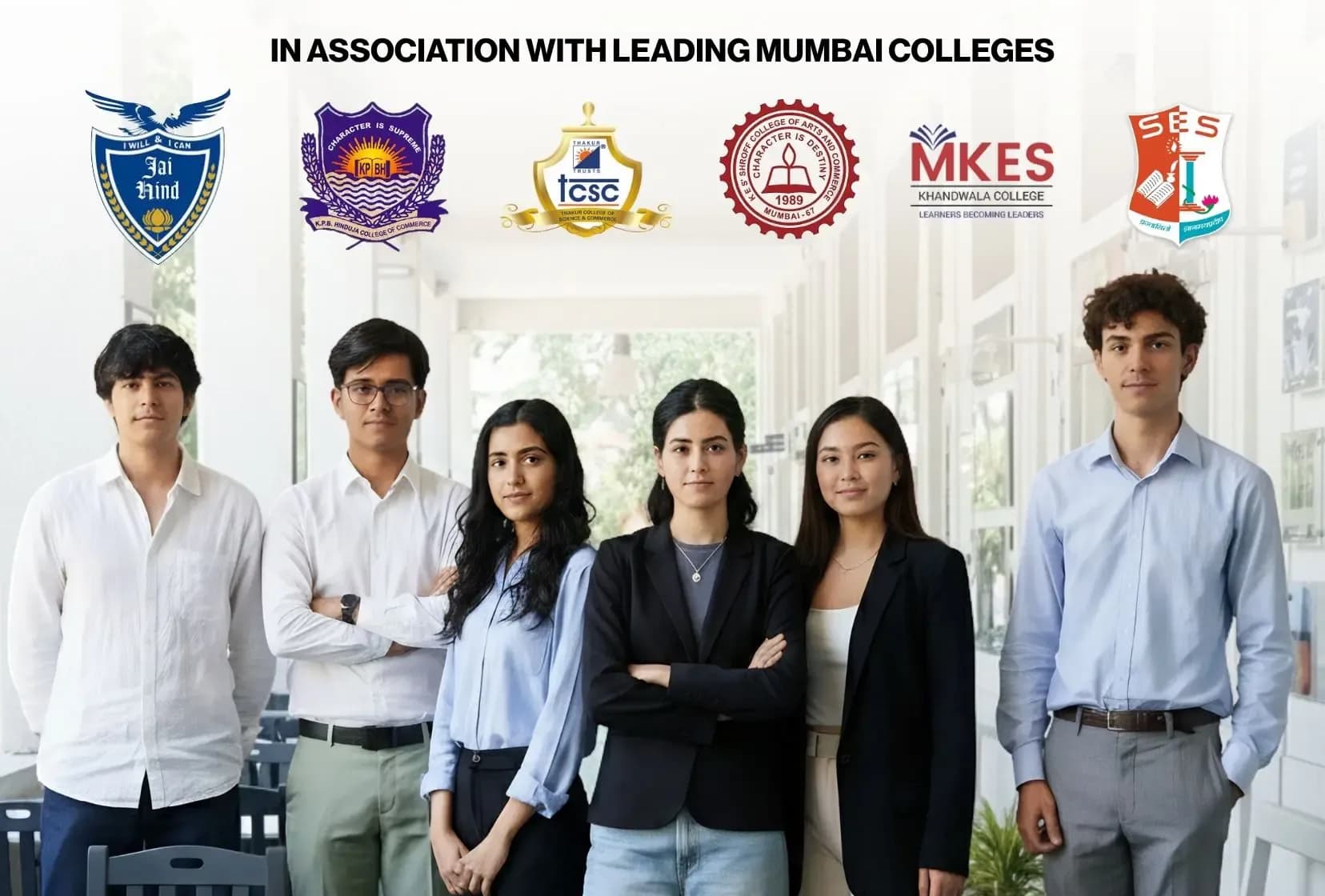
Offline
Undergraduate Program in Digital Business & Entrepreneurship
Best For
12th Passouts
Mode of Learning
On Campus (Mumbai)
Duration
3 Years
Offline
Degree In 2026 ≠ Enough Degree + Digital Skills = Future-Ready
Best For
12th Passouts
Mode of Learning
At IIDE Campus
Duration
3 Years
Recent Post
Digital Marketing Courses Nearby
You May Also Like

Partner & CEO at One Impact and Digital Marketing Trainer
Kartik is a certified digital marketer and an experienced marketing trainer with a strong passion for imparting knowledge in the field of digital marketing. As a marketing leader, he brings expertise in SEO (Search Engine Optimization), ASO (App Store Optimization), Website Development & much more. His curiosity and commitment to staying updated with industry trends have made him a dedicated digital marketing educator.
Kartik's dedication to teaching has led him to train over 55,000 students globally. His students range from engineers, MBA graduates, start-up entrepreneurs, marketing managers, and even those new to the world of digital marketing. His sessions have reached learners across India, Canada, Dubai, the USA, and other parts of the globe.
Kartik is committed to helping students and professionals alike understand the complexities of digital marketing, empowering them to advance their careers and businesses in this dynamic industry. His deep knowledge and practical approach have earned him a reputation as top 1% digital marketing trainer.